
Project Management Plan Creation
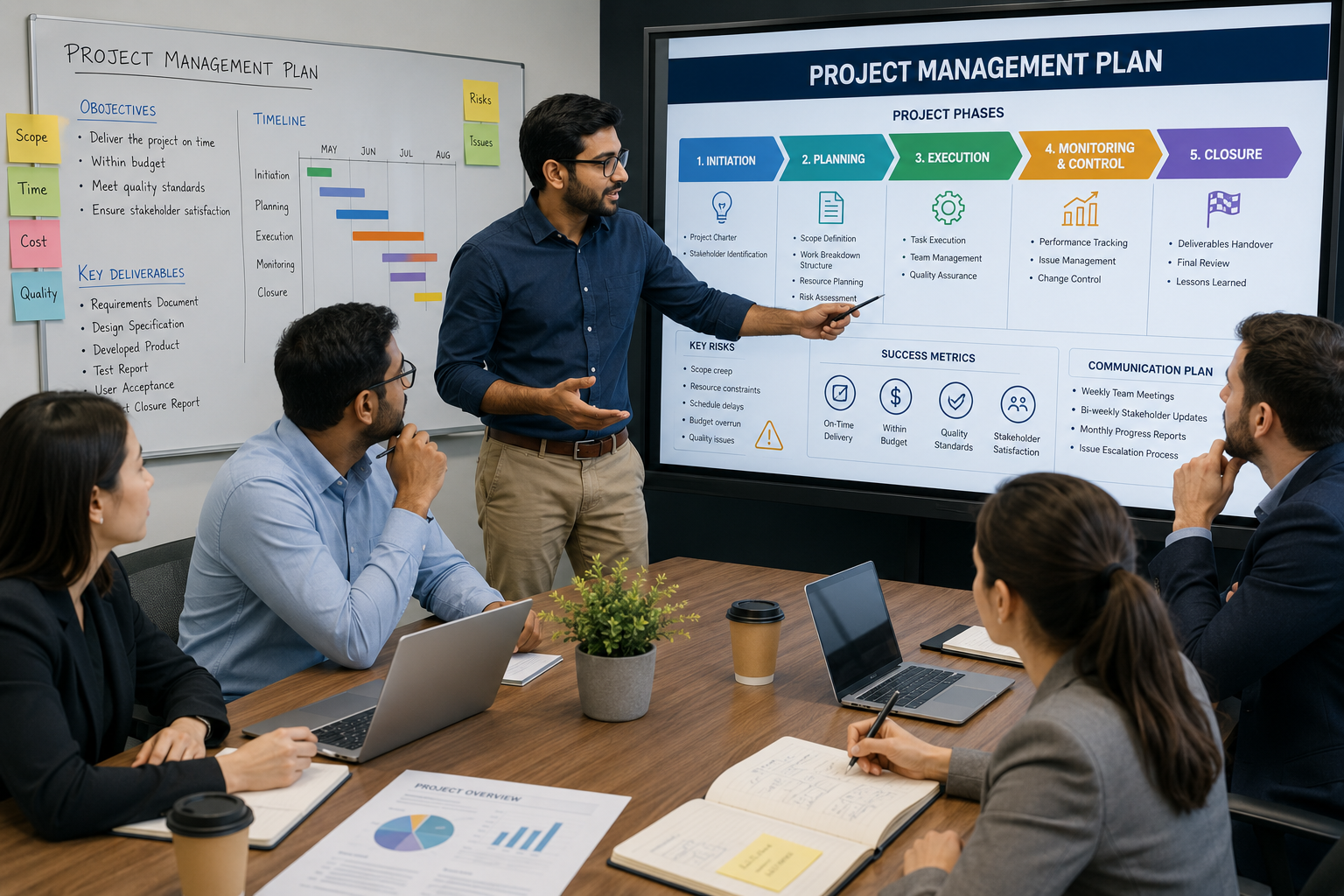
A Project Management Plan (PMP) is a formal document that explains how a project will be planned, executed, monitored, controlled, and completed. It acts as a roadmap for the project team and stakeholders, ensuring everyone understands the project's objectives, scope, schedule, budget, and responsibilities.
What is a Project Management Plan?
A Project Management Plan is a comprehensive document that defines:
- Project goals and objectives
- Project scope and deliverables
- Roles and responsibilities
- Timeline and milestones
- Budget and resource allocation
- Risk management strategies
- Communication methods
- Quality standards
- Change management process
It serves as the primary guide for managing the project from initiation to closure.
Consultant Details
Name : Sankar
Level : Expertise
Type : Individual Consultant / Freelancer
I am holding PMP certification
Introducation & Service Commitment
Main Components of a Project Management Plan
- Project Scope
- Defines what is included and excluded from the project.
- Prevents scope creep.
- Final Scope will be get sign off.
- Schedule Management
- Lists project activities, milestones, deadlines, and timelines.
- Cost Management
- Estimates project costs and controls the project budget.
- Resource Management
- Identifies team members, equipment, and materials needed.
- Risk Management
- Identifies potential risks and outlines mitigation strategies.
- Quality Management
- Defines quality standards and how they will be achieved.
- Communication Management
- Specifies how project information will be shared with stakeholders.
- Procurement Management
- Describes how external products or services will be acquired.
- Stakeholder Management
- Identifies stakeholders and explains how they will be engaged.
- Change Management
- Defines the process for handling changes to scope, schedule, or budget.
Uses of a Project Management Plan
- Provides clear project direction by outlining objectives, scope, and expected outcomes.
- Improves communication among team members, clients, and stakeholders.
- Helps manage time and budget by tracking progress against the plan.
- Reduces project risks through proactive identification and mitigation.
- Defines roles and responsibilities, ensuring accountability.
- Maintains quality standards throughout the project.
- Supports informed decision-making using documented plans and performance tracking.
- Controls project changes to prevent unnecessary delays or cost overruns.
- Monitors project performance by comparing actual progress with planned milestones.
- Increases the likelihood of project success by providing a structured management approach.
Benefits
- Better planning and organization
- Improved resource utilization
- Reduced project delays
- Enhanced stakeholder satisfaction
- Better risk control
- Higher project quality
- Increased efficiency and productivity
- Greater transparency and accountability
Why project getting failure ?
Key Reasons for Project Failure
- Unclear Objectives: Starting work without defined, measurable goals means no one knows what success looks like or which tasks matter most.
- Scope Creep: Unchecked new requests and expanding ideas stretch the team and resources beyond the original budget and timeline.
- Poor Communication: Siloed teams and missing updates lead to mismatched expectations, confusion, and delayed decisions.
- Unrealistic Deadlines: Timelines pulled from thin air or forced without proper resource planning cause rushed work and burnout.
- Lack of Leadership: Without active executive support or a single accountable owner, projects lose momentum and face resource shortages
Responsibility
The Project Manager is the person primarily responsible for:
- Developing the Project Management Plan.
- Assigning tasks to team members.
- Managing the project schedule and budget.
- Identifying and mitigating risks.
- Communicating with stakeholders.
- Monitoring project performance.
- Ensuring the project is completed on time, within budget, and according to the required quality standards.
The Project Sponsor:
- Approves the Project Management Plan, provides funding, and makes major project decisions.
The Team Membersr is the person primarily responsible for:
- Complete assigned tasks, provide updates, and follow the project plan.
The Stakeholders:
- Provide requirements, feedback, and review project progress.
The Department / Functional Managers:
- Allocate resources and support project activities within their departments.
The Client / Customer:
- Defines project requirements, reviews deliverables, and approves the final product or service.
Client Acceptence / signoff
- we will get approval for all the documents either before start or after finishing from the respective stakeholders.
So that, we could have avoided any mess in the project.
Current Challenges
Common reasons IT projects fail
- Poor requirements
- The team doesn't clearly understand what users or the business actually need.
- Requirements keep changing during development.
- Unrealistic deadlines and budgets
- Management may expect a complex system to be completed too quickly or cheaply.
- This leads to rushed development and lower quality.
- Poor project management
- Weak planning, unclear responsibilities, inadequate risk management, or poor communication can derail a project.
- Lack of user involvement
- If actual users aren't involved in design and testing, the final system may solve the wrong problem.
- Communication problems
- Developers, managers, customers, and other stakeholders may have different expectations.
- Miscommunication can cause expensive rework.
- Insufficient testing
- Bugs, security vulnerabilities, and performance problems may not be discovered until after deployment.
- Resistance to change
- Employees may be accustomed to an existing process and reluctant to adopt a new system, even if the technology works.
- Inadequate training
- A technically successful system can still fail if employees don't know how to use it effectively.
- Technology changes too quickly
- A system can become outdated because of changes in software, hardware, cybersecurity threats, regulations, or business requirements.
- Security and privacy problems
- Data breaches, weak security controls, or privacy violations can make an otherwise functional IT system unacceptable.
- Integration difficulties
- New software often needs to work with old systems, databases, APIs, or hardware. Legacy systems can make this surprisingly difficult.
- Ignoring maintenance
- IT systems need continuous updates, bug fixes, monitoring, security patches, and adaptation. Treating deployment as the end of the project can cause long-term failure.